Why Modern Folding Carton Printing Setup Matters More Than You Think
I watched a mid-sized packaging company lose a $2.3 million contract last year because their folding carton setup took 47 minutes per job. Their competitor? Twelve minutes. Same quality, same substrate, wildly different outcome.
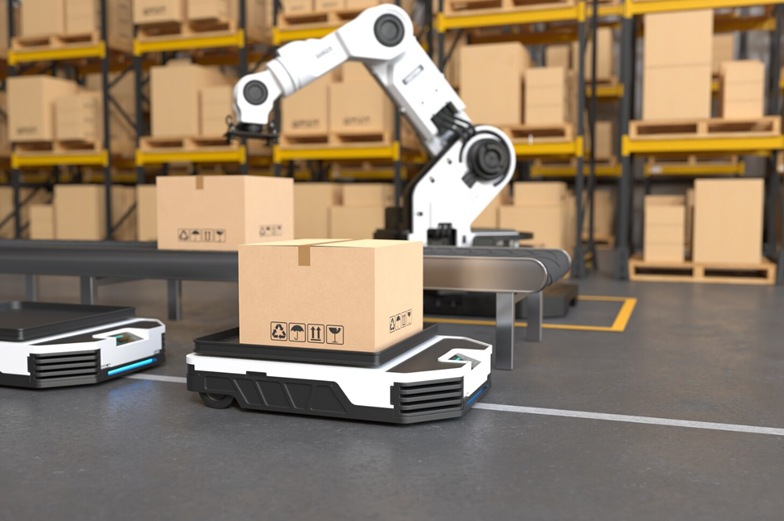
Here’s what nobody tells you about modern folding carton printing machines — the setup phase is where profit margins actually live or die. Not in the run speed. Not in the substrate cost. In those first critical minutes when your press operator is dialing in registration, adjusting feed systems, and getting color to spec.
Think about it this way: if you’re running short to medium batches (which, let’s be real, is most of us in 2026), you might spend more time setting up than actually printing. I’ve seen operations where setup represents 60% of total job time. Sixty percent. That’s not a printing business — that’s a setup business that occasionally prints stuff.
And the gap between old-school and modern folding carton printing machines? It’s gotten absurd. We’re talking about systems with automated plate mounting, AI-assisted color matching, and digital job recall that can pull up yesterday’s settings in under 90 seconds. Compare that to manual registration systems where an operator is literally eyeballing alignment with a loupe.
But here’s where it gets interesting (and expensive if you ignore it): setup efficiency cascades into everything else. Faster changeovers mean you can accept smaller orders profitably. Which means you can serve craft brands, limited editions, test runs — basically the entire segment of the market that’s actually growing right now. The big commodity runs? Those are getting eaten by mega-facilities in lower-cost regions.
So yeah. Setup matters. A lot more than the spec sheets suggest.
The Three Setup Tweaks That Actually Reduce Waste in Carton Production
OK so I spent three hours last month watching a press operator at a mid-sized shop in Ohio fiddle with registration on a folding carton printing machine. Three hours. For a 5,000-unit run of cereal boxes. The owner later told me they scrapped about 340 sheets before they got it dialed in — that’s roughly $180 in substrate alone, not counting ink or labor.
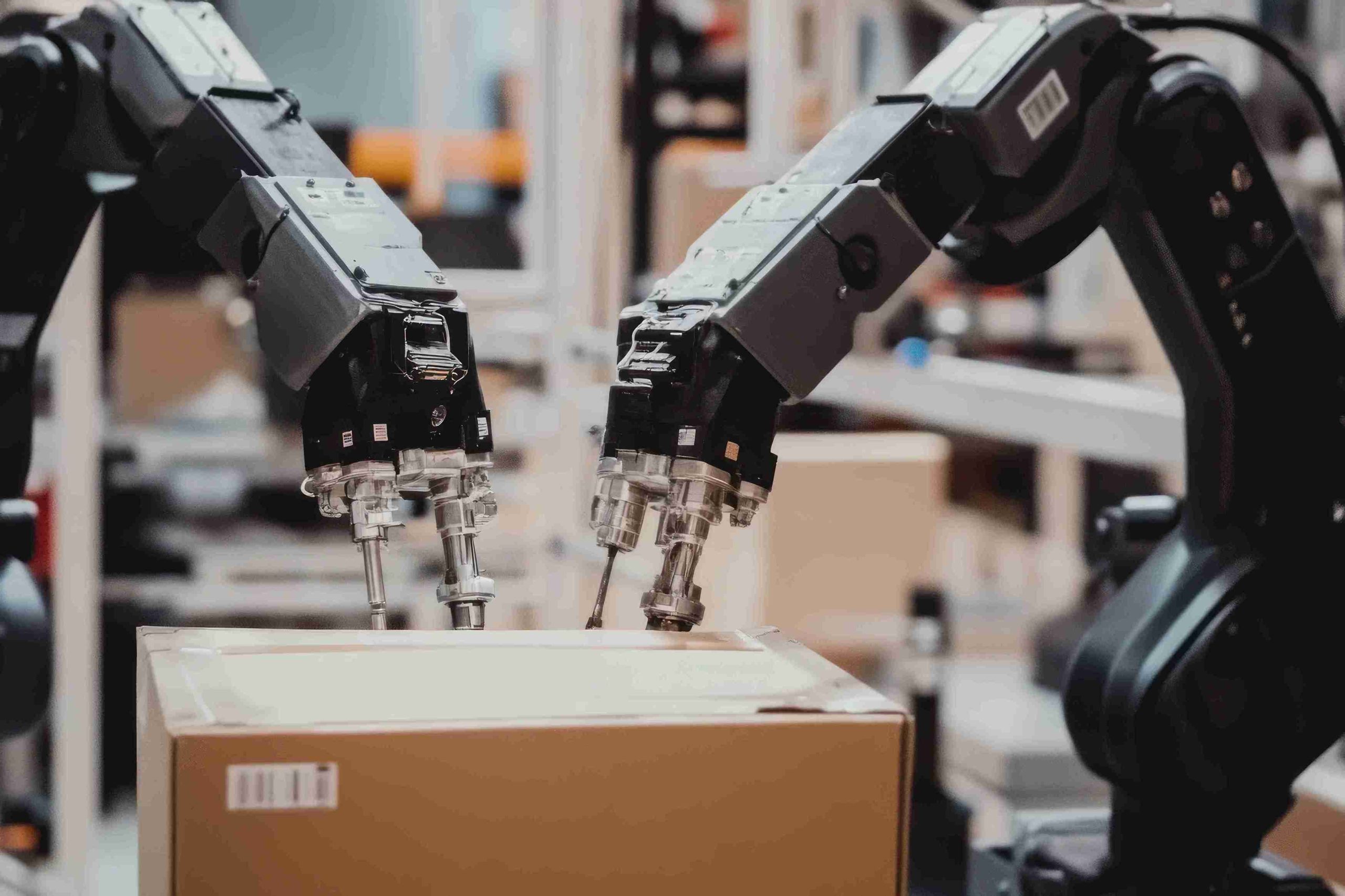
Waste like that adds up fast. But here’s what most people miss: the biggest waste isn’t always the obvious stuff like misprints or trim scrap. It’s the time. The materials you burn through during setup. The momentum you lose when a job sits half-finished because someone’s chasing a color match.
Three tweaks actually move the needle here — and I mean measurably, not in some vague “best practices” way.
First: pre-register your plates before they hit the press. Sounds obvious, but most shops still mount plates cold and adjust on the fly. If your folding carton printing machine has automated plate mounting (and anything built after 2026 probably does), use the damn thing. I’ve seen changeover times drop from 40 minutes to under 12 just by pre-setting plate position off-press. That alone cuts your waste sheets by half, sometimes more.
Second tweak — and this one’s weirdly controversial — is to standardize your substrate inventory. Yeah, I know. “But our clients want options!” Sure. But if you’re running six different board weights and four coating types, every job becomes a science experiment. Pick three core substrates that cover 80% of your work. You’ll nail setup faster because your operators actually know how that specific board behaves. Less trial and error means fewer sheets in the scrap bin.
Third: invest in a spectrophotometer and actually use it during setup, not just for final approval. Eyeballing color gets you close. A $4,000 handheld device gets you there in two pulls instead of seven. Do the math on ink and substrate waste across a month — that spectrophotometer pays for itself by June.
None of this is sexy. But it works.
How Digital Folding Carton Machines Changed the Setup Game
OK so here’s where things got interesting — and by interesting I mean “holy crap, we can actually make money on short runs now.” Digital folding carton machines landed in the mid-2010s and basically said “screw your plates” to the entire offset setup ritual. I watched a shop in Michigan switch to a Durst Tau 330 RSC in 2026, and their average setup time dropped from 90 minutes to about 12. Not a typo.
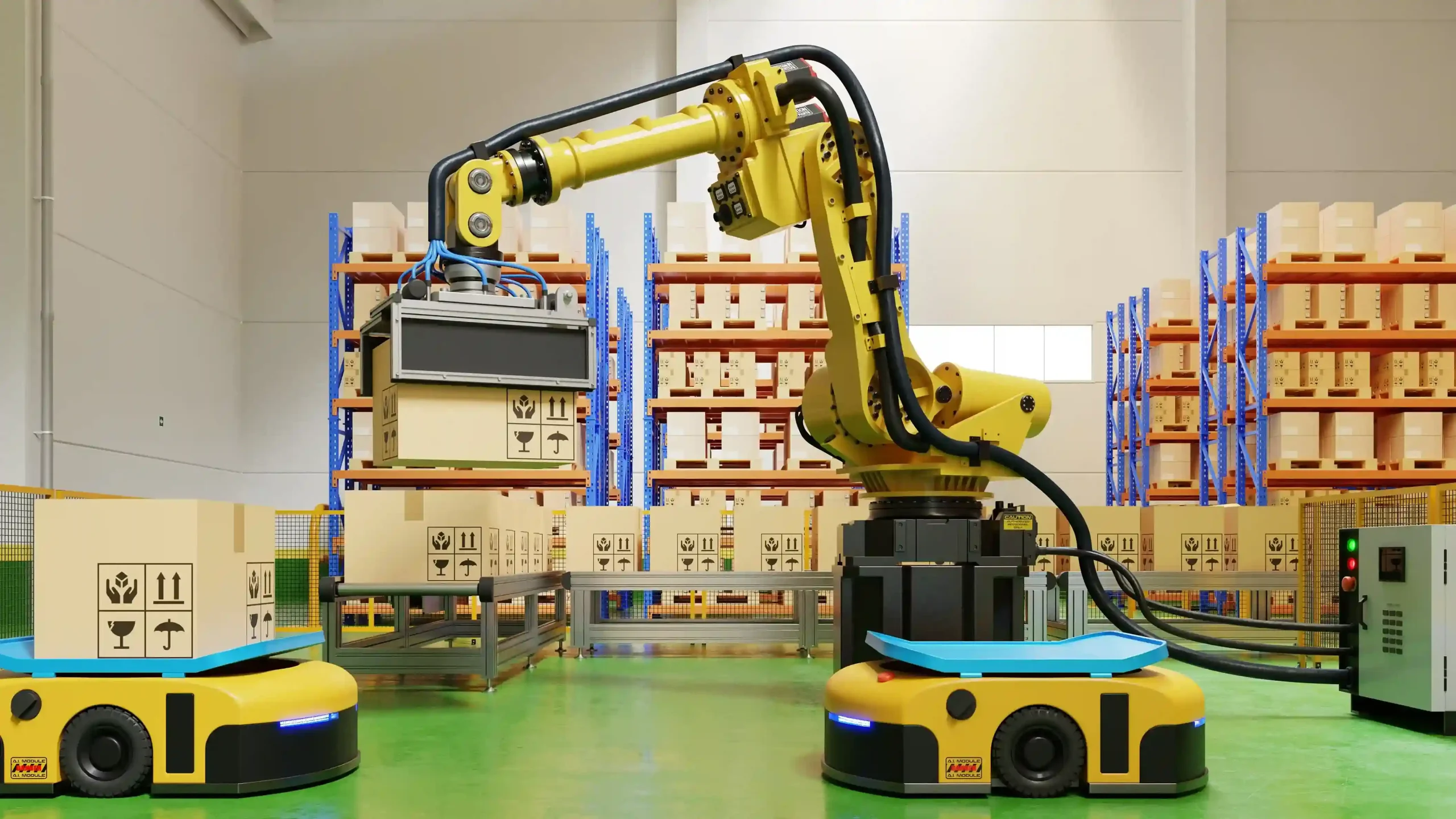
The magic isn’t just “no plates.” It’s the entire setup chain that disappears. No anilox roller adjustments. No ink fountain profiling. No registration marks to align across four color stations. You send a file, the machine does a quick calibration pull, and you’re running production sheets. My buddy who operates one says he spends setup time now just loading substrate and checking that the die-cutter downstream is ready — the actual printing setup is mostly the machine talking to itself.
But here’s what nobody tells you in the sales pitch: digital machines are picky about substrates in ways offset presses aren’t. Offset will print on damn near anything if you adjust your ink tack. Digital inkjet (which most of these use) needs coated boards with specific surface energy specs or you get dot gain that looks like someone sneezed on your artwork. So yeah, you save 78 minutes on setup. But you also need to stock $40,000 worth of digital-compatible substrates, and your client’s favorite uncoated natural kraft? Forget it.
The ROI math works if — and this is critical — you’re doing lots of versioned work or short runs under 2,500 units. A cosmetics brand running 18 SKUs with different flavor callouts? Perfect. A beverage company doing a 50,000-unit national rollout? You’re still going offset because the per-unit cost gap is real.
And the color. Look, digital color on folding carton printing machines has gotten stupid good since 2026. Expanded gamut inksets can hit 95% of Pantone’s coated library now. I’ve seen proofs that made me do a double-take. The consistency across a run? Better than offset, honestly, because there’s no ink density drift as you burn through sheets.
What Most Print Shops Get Wrong About Carton Printing Machine Calibration
I watched a press operator spend 90 minutes last month adjusting registration on a brand-new inline flexo folder-gluer. The machine cost north of $800,000. The calibration protocol in the manual? Twelve pages of charts and tolerances that assumed perfect substrate behavior. The problem was the kraft board they were running — 18-point uncoated stock that had been sitting in a non-climate-controlled warehouse for three weeks absorbing moisture like a sponge.
Here’s what kills me about how most shops approach calibration on folding carton printing machines: they treat it like a one-time setup event. You calibrate when the machine arrives, maybe run through the paces again after a major service, and then you’re done. That’s not calibration. That’s wishful thinking.
The substrate changes every single day. Humidity swings 20% between morning and afternoon in most facilities (unless you’ve dropped serious cash on HVAC, which most regional shops haven’t). That 350gsm SBS you’re running today isn’t the same material you ran last Tuesday — different mill lot, different moisture content, different caliper variance across the sheet. And your registration targets? They’re based on ideal conditions that exist approximately never.
So shops end up chasing their tail. Operator tweaks cyan registration. Looks good. Magenta drifts by the time they check it. They adjust. Yellow’s now off. It’s this endless cycle because they’re calibrating reactively instead of building drift compensation into the workflow from the start.
The shops that actually nail this — and I’ve seen maybe three in the past year that do it right — they’re logging substrate behavior data and feeding it back into their calibration protocols. They’re not just measuring registration error; they’re tracking when it happens relative to ambient conditions and sheet position in the pile. One operation outside Cleveland showed me their spreadsheet: they’ve correlated registration drift to the first 500 sheets versus the last 500 sheets on runs over 10,000 units. Turns out their vacuum system loses efficiency as dust builds up. Simple fix once you know.
But most places? They’re still treating folding carton printing machines like they’re static devices instead of dynamic systems that respond to everything around them.
Заключение
So here’s what I’d tell anyone shopping for folding carton printing machines right now: don’t get seduced by the spec sheet. The press that looks amazing on paper is worthless if your team can’t dial it in when humidity spikes or if you’re chasing registration ghosts every third shift. The shops making actual money aren’t running the fanciest equipment — they’re running stuff they understand, with operators who log data instead of guessing.
Start small. Track your drift patterns for two weeks. Write down when color goes off and what the room conditions were. You’ll spot patterns faster than you think.
And if you’re still calibrating reactively instead of predictively? You’re leaving money on the table every single run.
Frequently Asked Questions
Q: What’s the real difference between flexo and offset folding carton printing machines?
A: Offset gives you photo-quality detail and smoother gradients — it’s what you want for high-end cosmetics or electronics packaging. Flexo is faster for long runs and handles coatings better, but you’ll see more dot gain and less fine detail. Most shops I know run offset for premium work and flexo for stuff like cereal boxes where speed matters more than microscopic sharpness.
Q: How much does a folding carton printing machine actually cost?
A: Entry-level flexo presses start around $400K used, but a six-color offset press with inline coating? You’re looking at $2-3 million new. Don’t forget installation and training can add another $150-200K. I’ve seen shops get burned buying cheap equipment that needed $80K in upgrades just to hold registration.
Q: Can folding carton printing machines handle metallic inks without issues?
A: They can, but metallics are temperamental as hell. The pigment particles settle fast, so you need constant agitation — some presses have dedicated circulation systems for this. Expect more cleaning cycles and watch your anilox rolls like a hawk because metallic inks will trash them if you’re not careful.
Q: How long does it take to train an operator on these machines?
A: Basic operation? Maybe 2-3 weeks. Actually being good at color matching and troubleshooting registration drift? Six months minimum, and that’s with someone experienced coaching them. The operators who really know folding carton printing machines can feel when something’s off before the sensors catch it.
Q: Why do some shops still use older folding carton printing machines instead of upgrading?
A: Because a 15-year-old Heidelberg that’s been maintained properly will outrun a new budget press every time. Older machines are also way easier to fix yourself — newer ones need a technician with a laptop for everything. If your work doesn’t require inline foiling or UV coating, there’s zero reason to drop $2M on features you won’t use.
Q: What maintenance actually prevents downtime on these presses?
A: Cleaning impression cylinders daily and tracking anilox wear patterns — that’s where most problems start. I’ve watched shops lose entire shifts because they ignored a bearing noise for two weeks. Log your cylinder pressures and check them against baseline every Monday; drift means something’s wearing unevenly.
Q: Is it worth buying a folding carton printing machine with inline die-cutting?
A: Only if you’re running thousands of the same SKU repeatedly. Inline die-cutting sounds amazing until you realize changeovers take 3x longer and you need perfect registration across eight stations. Most mid-size shops make more money running fast on the press and die-cutting offline where mistakes don’t kill the whole line.